Observer
Observers allow us to see the packets flowing across the MeshCore network. Here one can see the combined traffic across all the observed meshes across the island. This data is what also powers the Mesh Mapper sites we use to figure out how well the network coverage is going. It is also a good reminder that while this technology is Off Grid, it's not secret (they are radio waves anyone can intercept) and public channels are truly Public.
Unlike Meshtastic, this is a one way feed. Tipperary can't communicate with Belfast over these observers, we can only send a message to Tipperary once there's enough repeaters to relay the message from Belfast. It's one of the core design decisions of MeshCore.
With that out of the way, lets build a dedicated Observer Node. The simplest way to do this is by flashing a Heltec V3,V4, or any other LoRa / MeshCore device that is based on ESP32 and has a wifi antenna. These don't have to be high powered at all - the tiny little antenna that comes with them will suffice, it just needs to reliably hear packets from your attic repeater.
Create a letsmesh.net account
Go to the LetsMesh Forum and create an account. The email address will make it possible for you to check on your observer in the future and is being a good Mesh citizen by identifying that you are observing your neighbors mesh traffic. Once you have an account there, you can login to the My Nodes page.
Flashing the firmware
You've done this a few times now, but instead of using a premade one, you will download a special one from letsmesh.net.
Go to Add an Observer, select the observer-uplink-native-dev option for the firmware once agreeing to the terms, and then select the hardware you will be using. Below is what you see if you're downloading firmware for a Heltec V4:
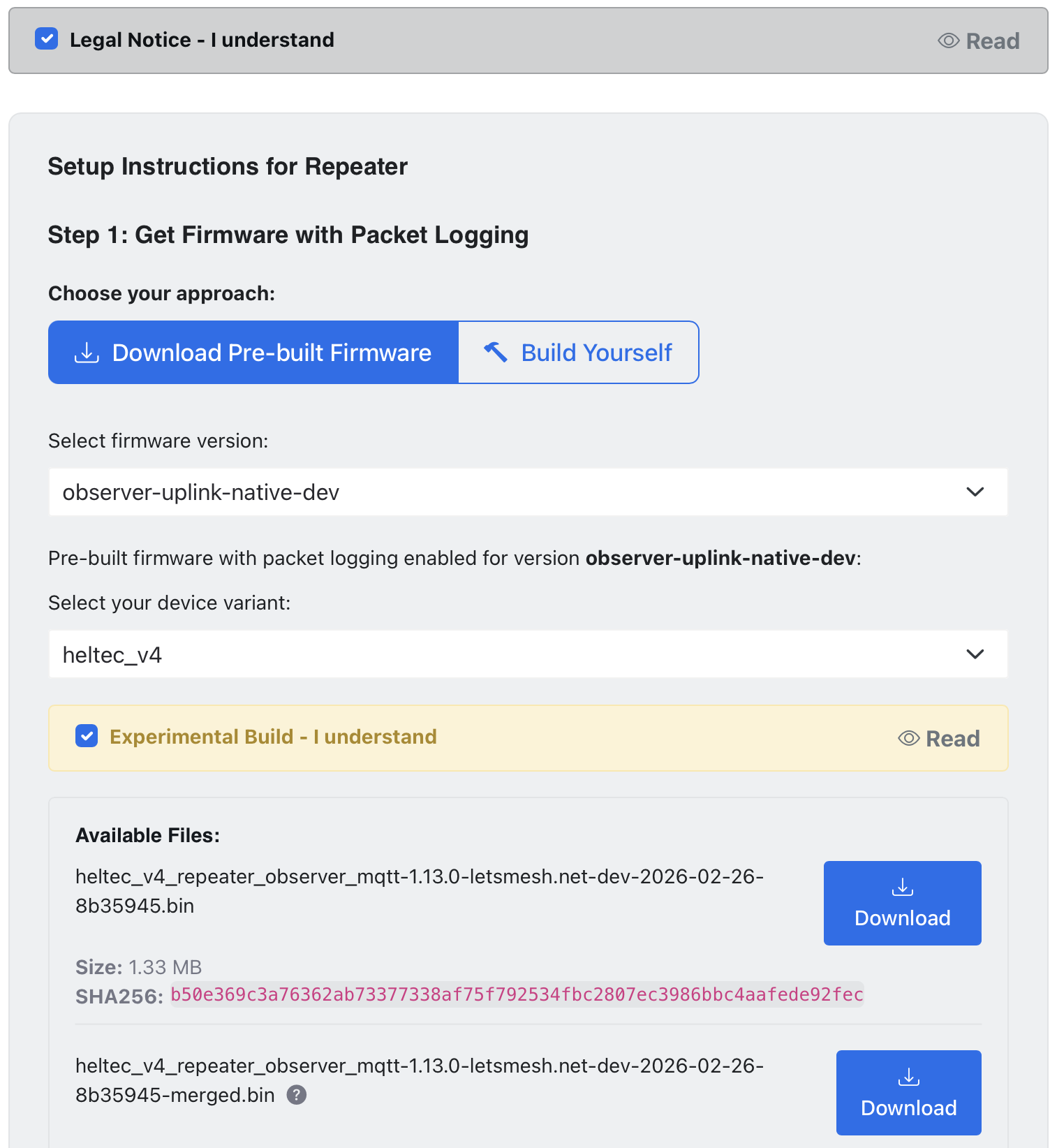
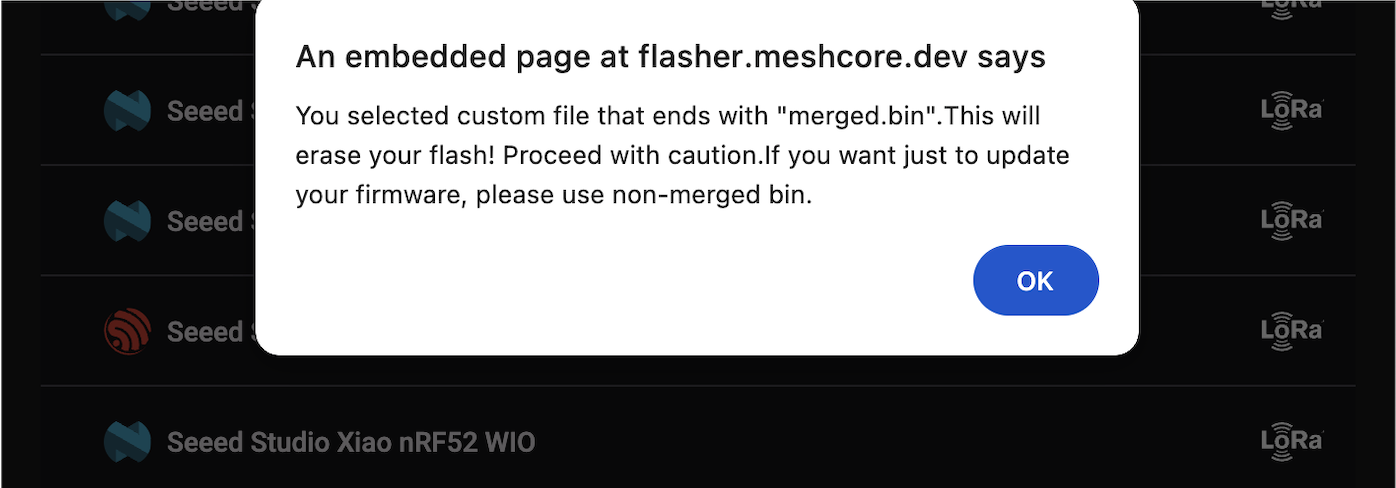
Download the merged firmware (the lower of the two options) - this will fully wipe the device, so when doing future updates, download the one above it. Go to Flasher App and scroll all the way to the bottom and select "Custom Firmware", choose the file you just downloaded, and OK the warning about erasing the device.
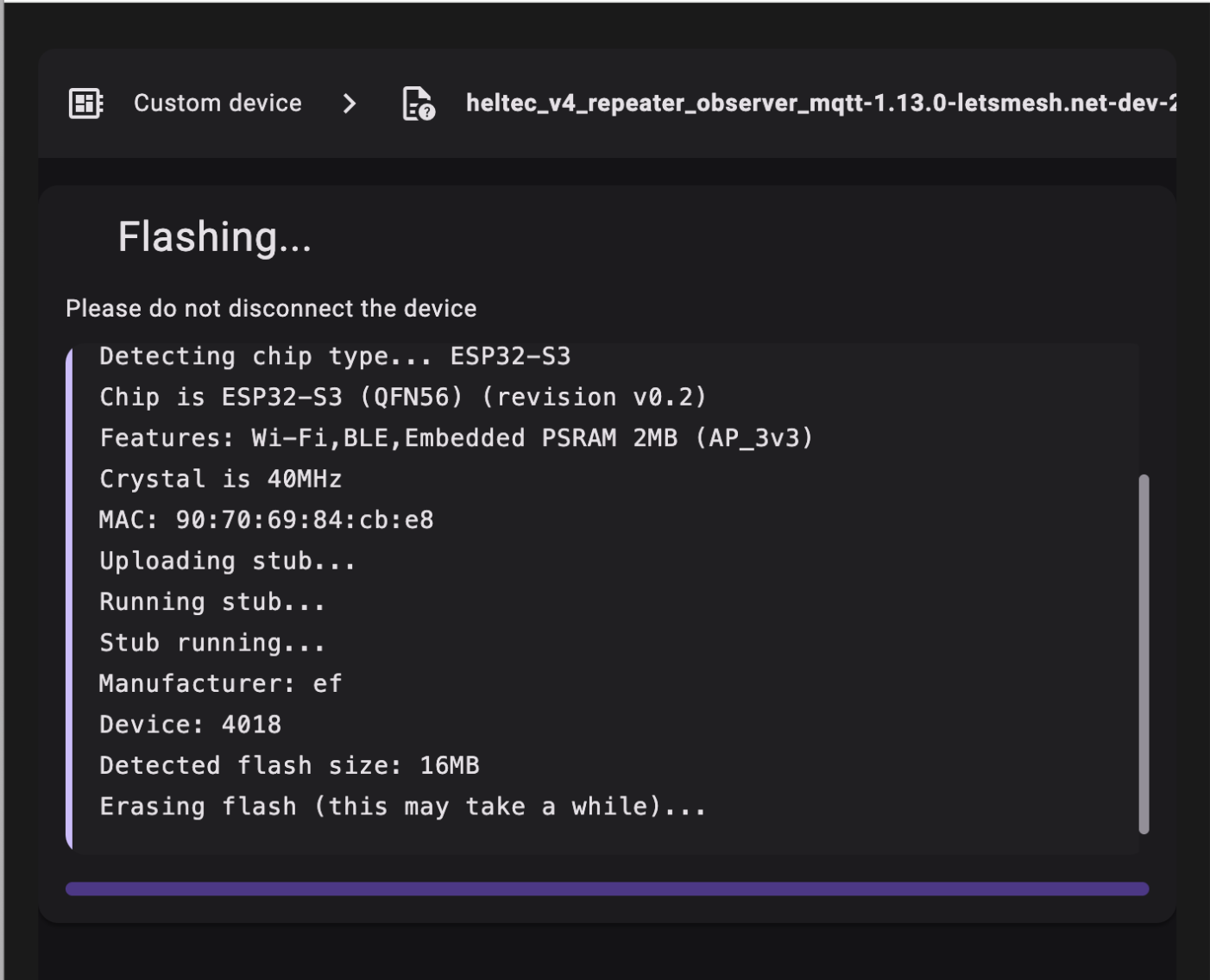
Push the ⚡️Flash! button and wait a while for the device to be completely wiped and a new firmware to be applied.
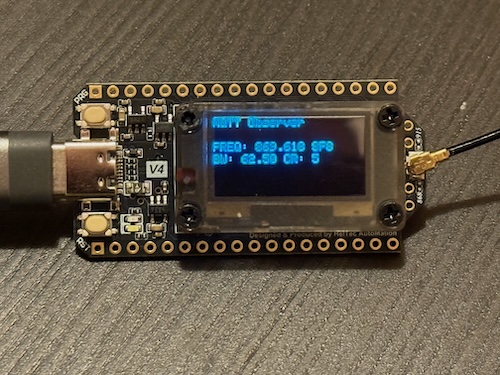
After the process completes the device will reboot and you will see a screen displaying just the radio frequency. The latest firmware defaults to the UK Narrow band now, so it should look like this:
Return to the Flasher App, and select the Console option and select the device when prompt as if you were flashing a new firmware:
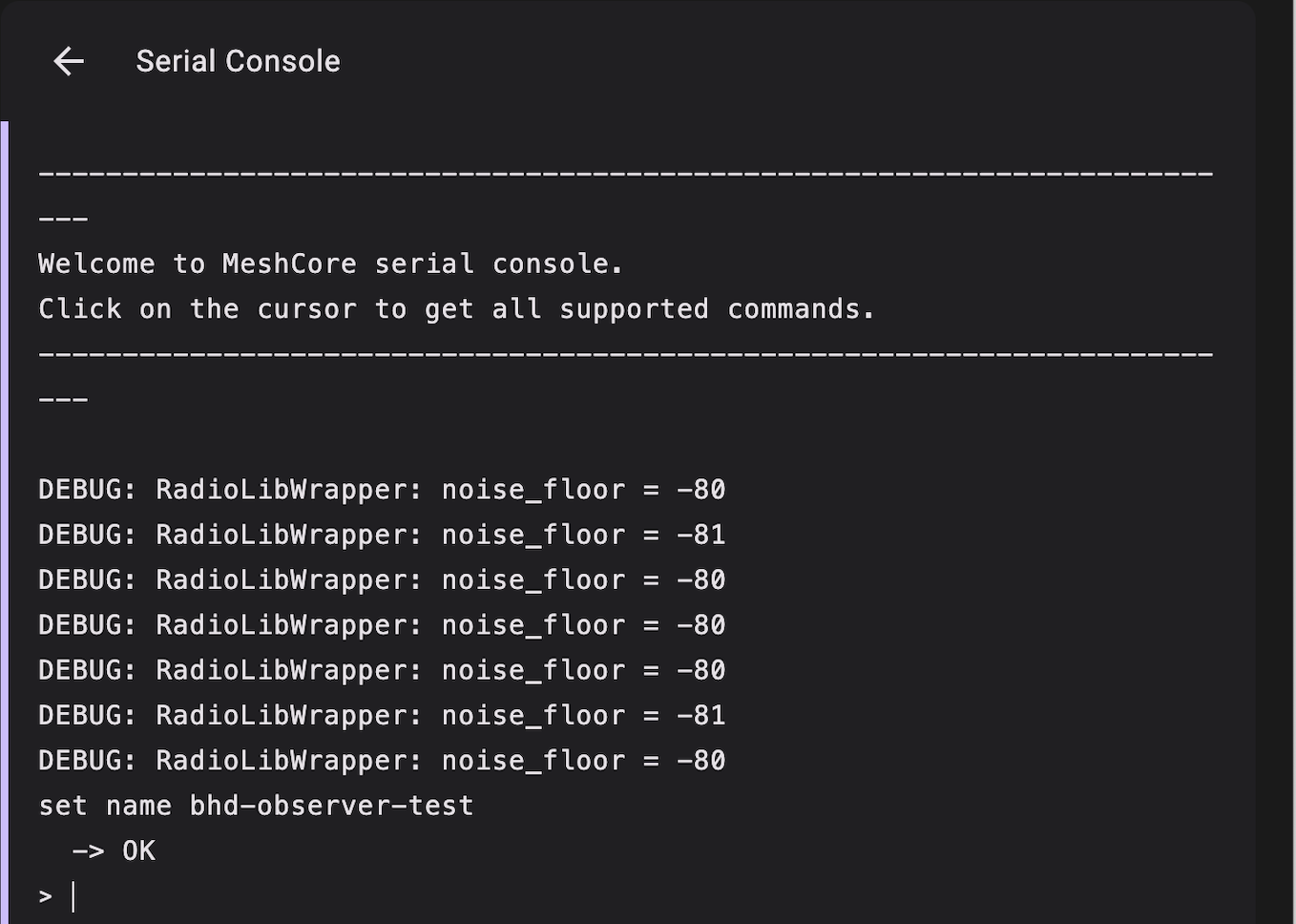
Here you can do things like set repeater name, admin password, and other CLI Commands supported over bother serial and application interfaces. Since there is a lot of text to paste, doing the first part of the setup over serial is a little easier. First rename the device from MQTT Observer to something like: <region>-location-observer-handle and an Admin password:
Next fill in the wifi information along with the IATA code for the region, currently for the island we're using four: BHD for Ulster Province, NOC for Connacht, DUB for Leinster, SNN for Munster. AND being a good Observer citizen, include your email address associated with your LetsMest Forum account you created at the beginning of this, along with the public ID of one of your companion devices (not the public ID of the repeater):
set wifi.ssid nibbler
set wifi.pwd nibblerpassword
set mqtt.iata BHD
set mqtt.owner a1vb2deadbeef.....
set mqtt.email your.email@forletsmesh.forum.com
And finally, reboot the device before doing anything else:
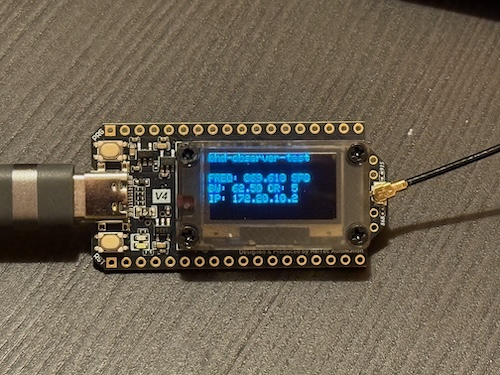
Once it reboots, you should see it display an IP address on the screen along with the radio information:
You're not done yet! You need it to send an advert. Now hopefully you're familiar with admining a repeater via the MeshCore app connected to a companion (the same one whose public ID you associated with the repeater), but you will need to make sure you've done the following: - Use the MeshCore Tool "Discover Nearby Devices" to find the repeater, add it to your list, and favorite it - Connect with the password you set earlier - Perform a Time Sync - Perform an advertisement - Have your companion device also do flood advertisement
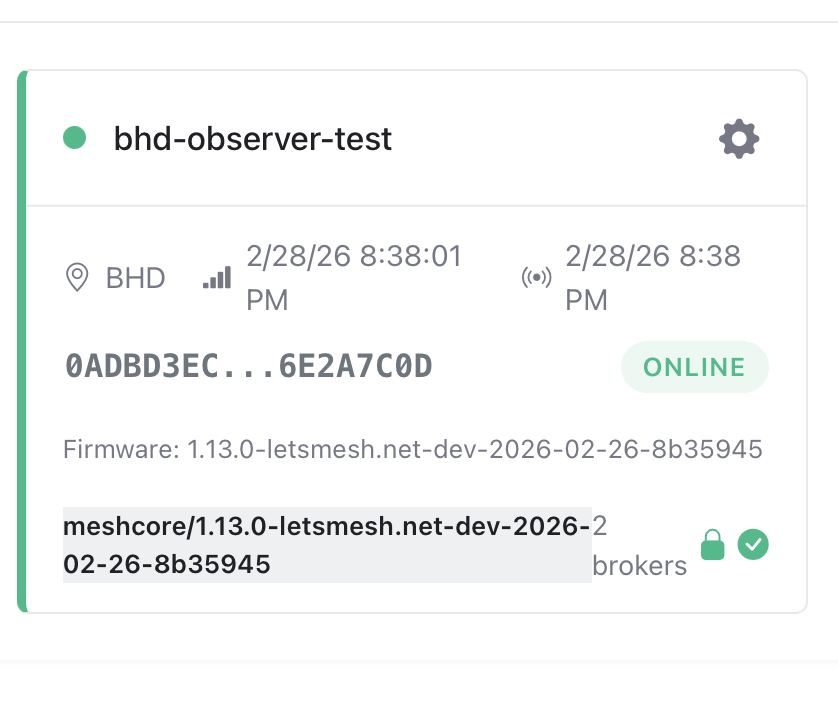
If you did everything right, after 10-15 minutes you should see it in the my nodes page:
If for some reason you're running into trouble getting this working for Ireland, hop on our discord and we may be able to point you in the correct direction.